ProfiMail
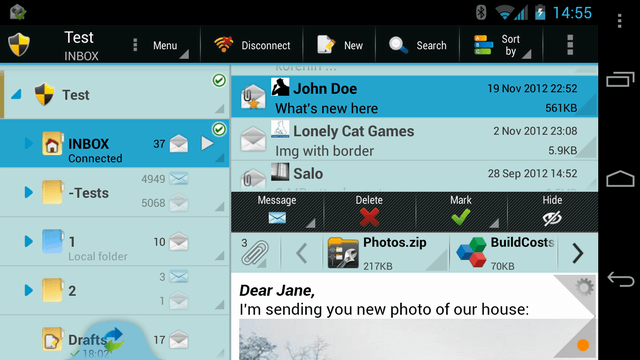
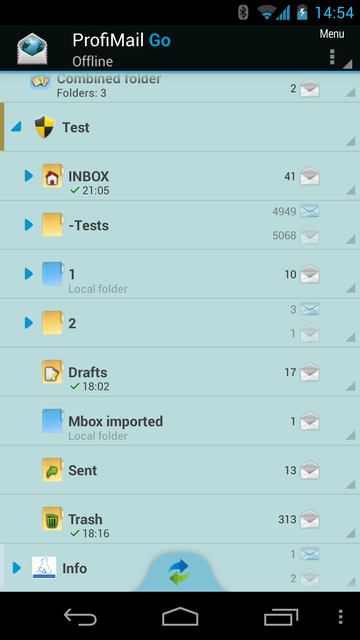
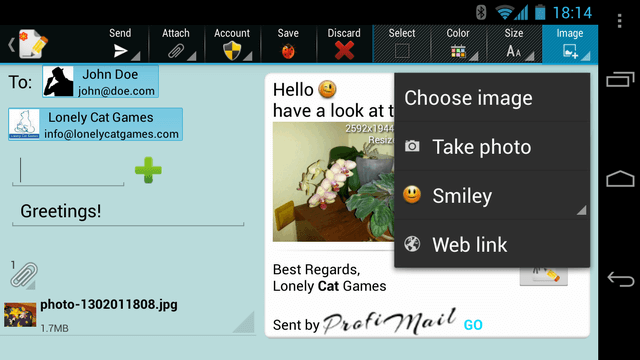
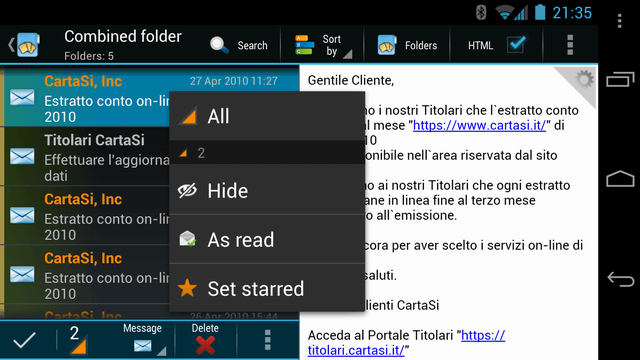
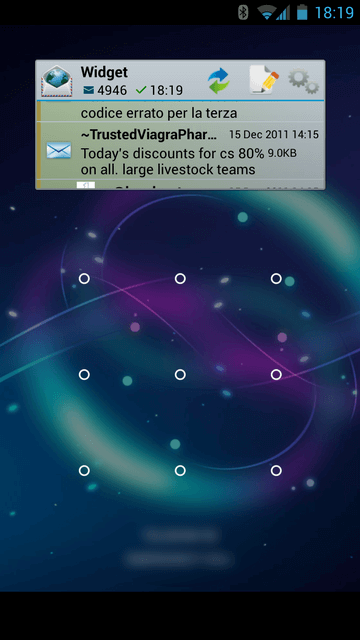
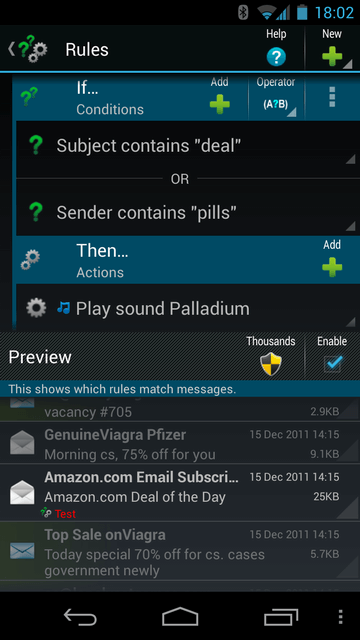
ProfiMail is a powerful e-mail client for mobile phones.
It allows you to read your mail on the go, and send text with
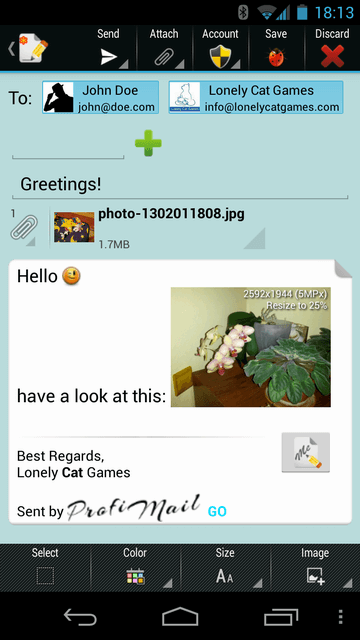
attachments directly from your phone. Send photos, recorded
sound or simply text messages to friends, from anywhere.
Frequently Asked Questions
- I have problems with SMTP server settings, I can't send messages.
- I get Certificate error when installing ProfiMail on Symbian phone.
- Can I transfer my license to my new device?
- ProfiMail on Symbian have problem with my server's SSL certificate.
I have problems with SMTP server settings, I can't send messages.
Answer: SMTP settings is used for sending messages. It is not so closely bound to your email account as POP3 or IMAP server - you may use various SMTP servers for sending your emails.
You can configure SMTP server in account settings. Associated options are SMTP authentication, SMTP username and password. Typical cases how SMTP server is used:
- Using operator's (mobile Internet provider's) SMTP server. For example, when you have Internet access from your mobile operator, the operator tells you name of their SMTP server, that you use. Authentication is checked automatically by operator, so SMTP authentication in ProfiMail's settings is unchecked.
- Using SMTP server of your email provider. For example, when you have company email address, your company also should have SMTP server. Or if you have free email account on some Internet portal, the portal may (but also may not) offer SMTP server for sending messages. In this case, usually SMTP authentication must be checked, because the server must authenticate you as valid user of their service.
When using SMTP authentication in ProfiMail, the SMTP server needs to get authentication username and password. In most cases these are the same as username/password of incoming mail server, so you can leave them blank in ProfiMail, and those settings of incoming mail server will be used for authentication. - Using different SMTP server, not associated with your Internet provider or email provider. In such case, you must specify server name, enable SMTP authentication, and enter correct SMTP username and password used for authentication.
When you configure SMTP server incorrectly, the server returns error code and message, which is displayed by ProfiMail after unsuccessful message sending. Possible errors include:
- 550 Relaying denied - SMTP server didn't authenticate you properly. You probably use mobile Internet operator's SMTP server, while your current connection is not using operator's connection
- 553, 554 - usually same as above
- 535 Authentication failed - your SMTP authentication data are incorrect
- other - usually wrong server name, or authentication details, or server problem
Note: actual text after error code may be different, it is sent by SMTP server and is for better problem description when read by user.
I get Certificate error when installing ProfiMail on Symbian phone.
Answer: If you own Nokia E-series mobile phone (E60, E61, E70, ...), you should do following in order to allow phone to install ProfiMail:
- Open Application Manager on your phone
- Choose Options, then Settings
- Switch Software installation to *All* (not Certified only)
This will allow you to install ProfiMail as well as other non-certified applications.
Can I transfer my license to my new device?
Answer: Yes, you can transfer your license. You'll need to know your purchase reference number (in purchase report that you received from web-shop), or your email address used for purchase.
Use this form to transfer your license.
Note that ProfiMail will stop working on your previous device after your license is transferred to another device.
ProfiMail on Symbian have problem with my server's SSL certificate.
Answer: ProifMail uses Symbian operating system and its functions for handling SSL certificates and encryption of network communication. For this reason, we don't have influence on specific behavior of SSL handling, and can't provide help in fixing SSL-related problems, including following:
- Installing own certificates on server and/or phone
- Permanently accepting certificate in case of some mismatch (this is system dialog and is specific to device model)
- Failures related to SSL handling (connection failure or phone locking)